 Xargaar Tools
Find the next accessibility issue to fix.
Review your WordPress site without a new account or another subscription. Get grouped findings, affected pages and markup examples, right inside your dashboard.
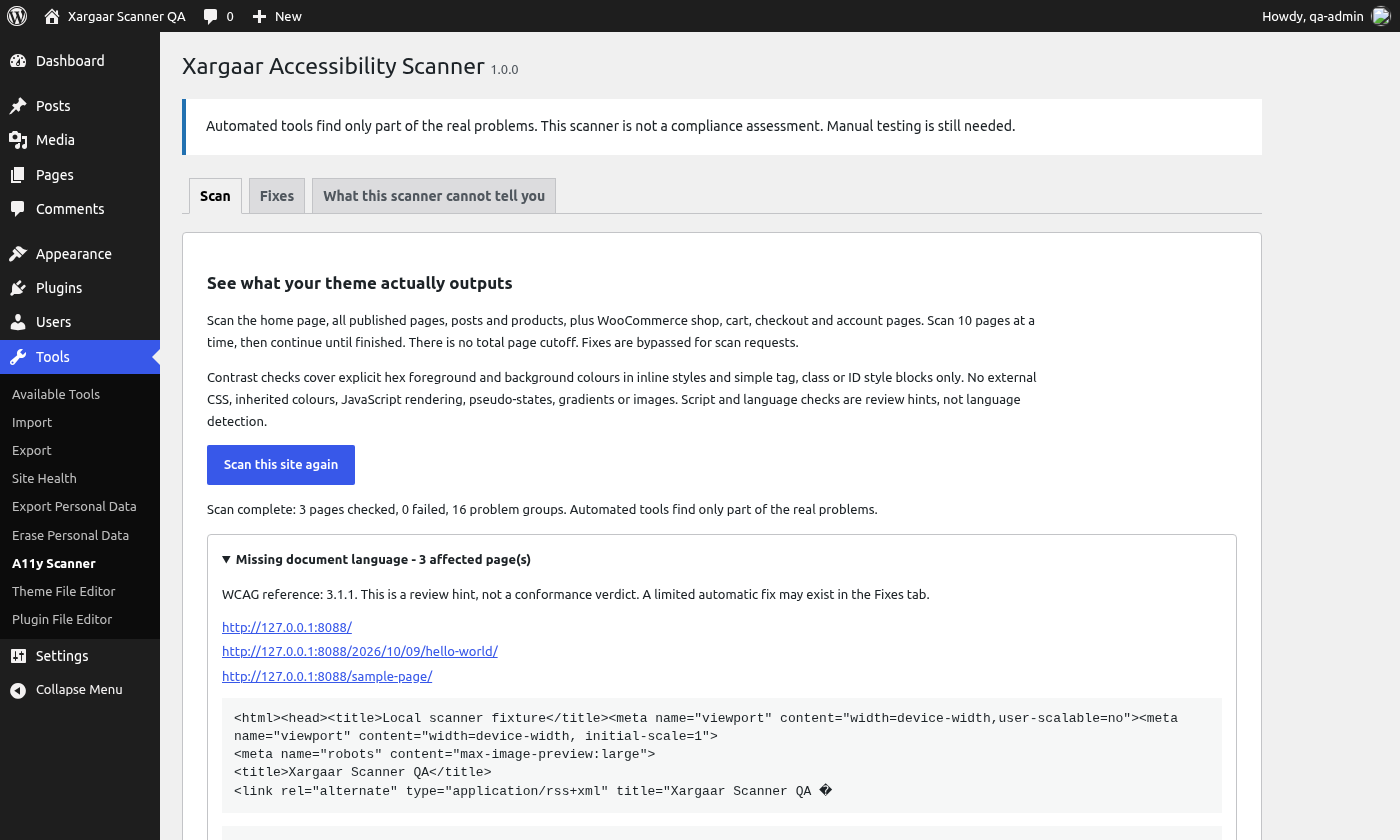
Actual plugin interface. Automated checks help you find work; manual testing is still part of the job.
Go from a finding to a useful next step.
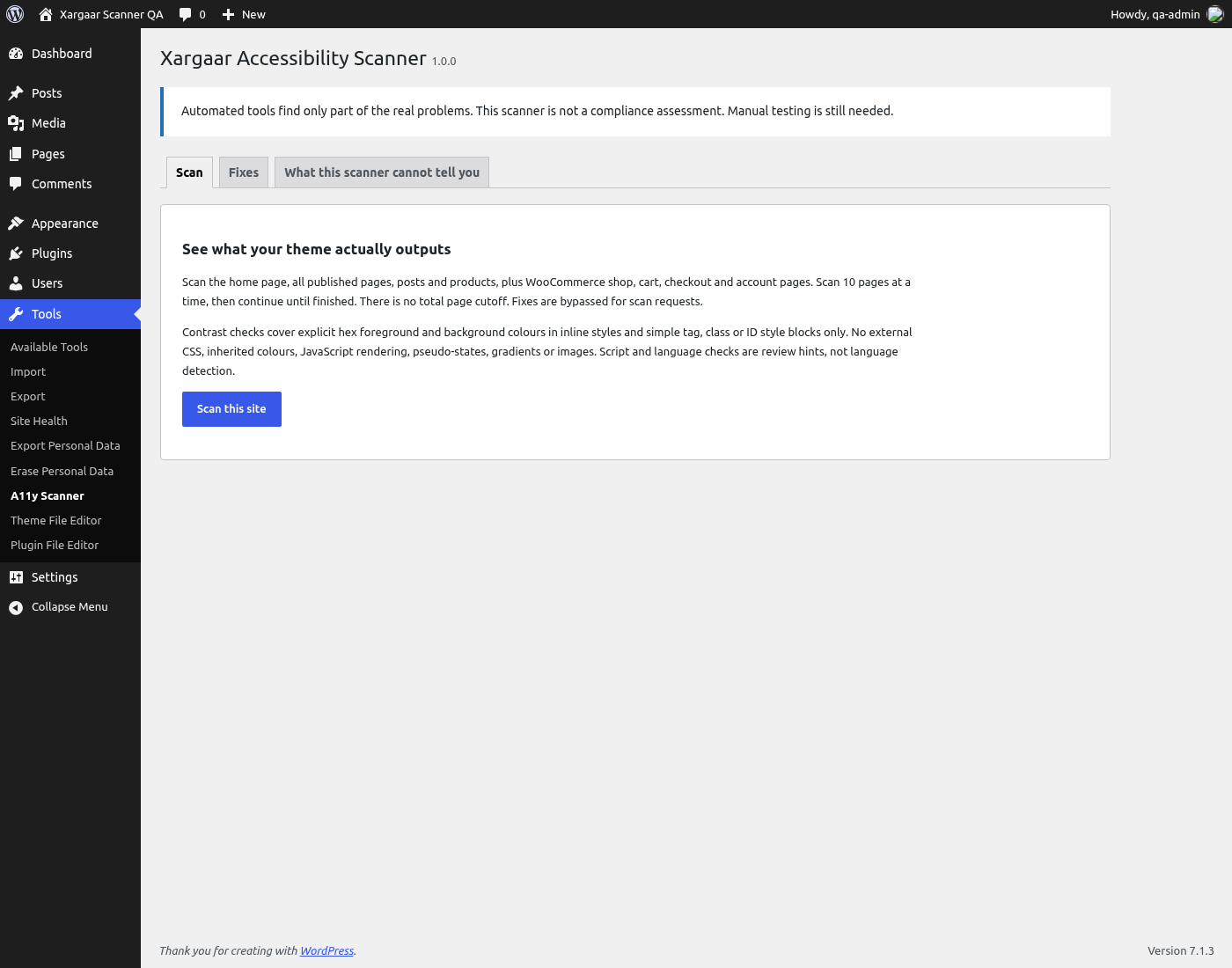
Scan published pages, posts and products, plus configured WooCommerce pages, in batches. Continue until your selection is checked.
Group findings by problem. Review the affected URLs, markup examples and WCAG references without sorting through one long list.
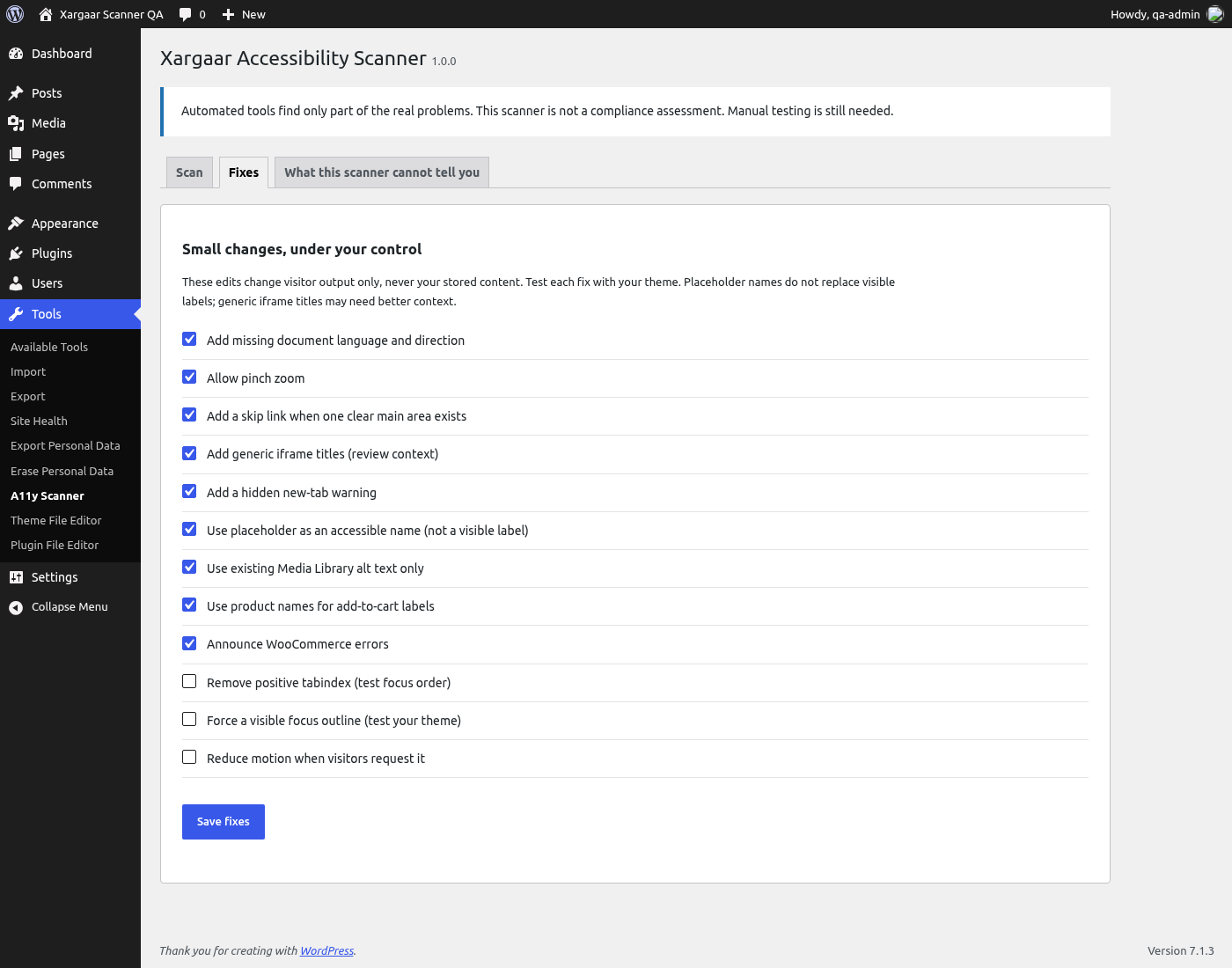
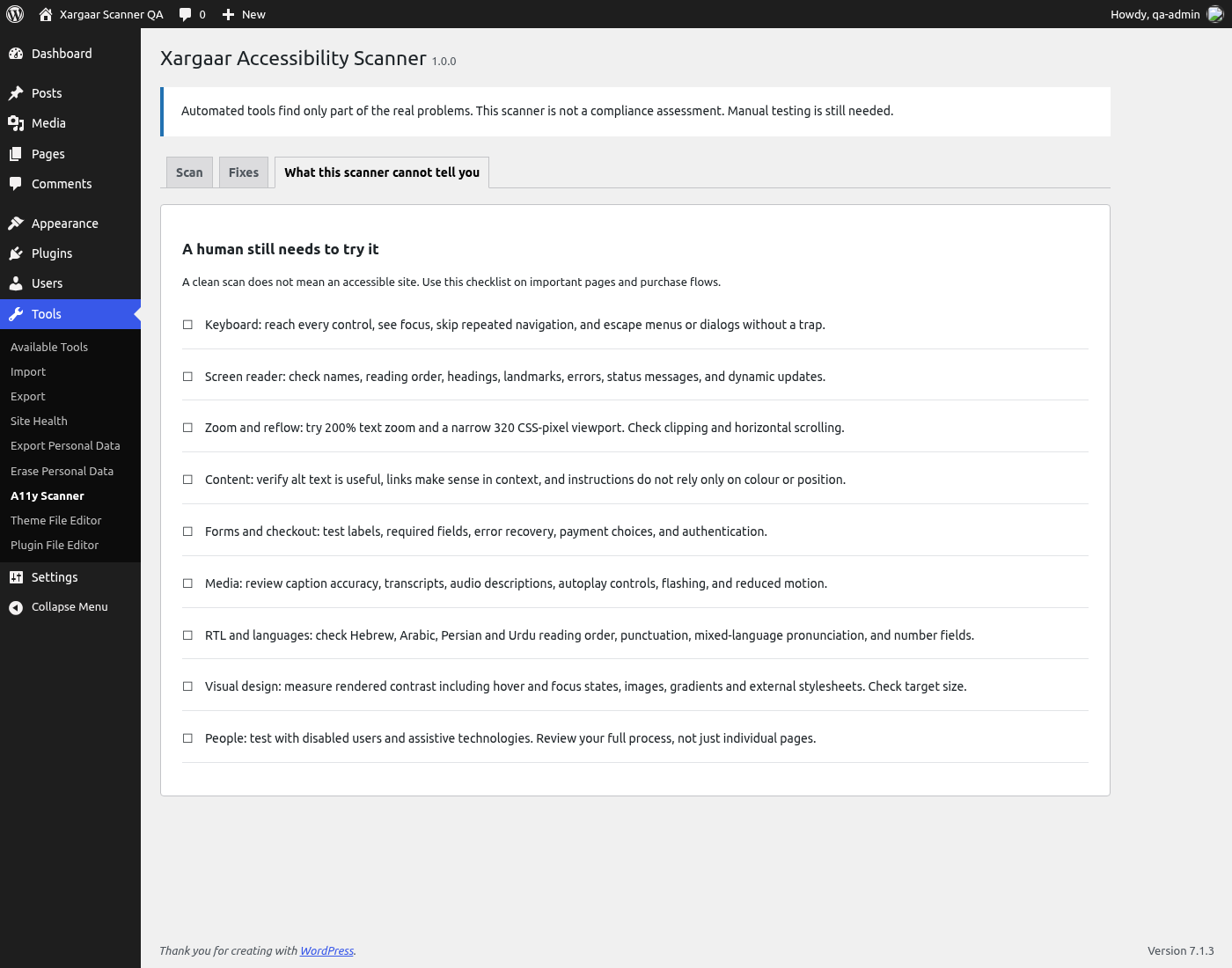
Use optional output fixes where they fit. Test your theme, keyboard flow and real user journeys with the manual checklist.
More than an English-only checklist.
Direction and language hints support review of Hebrew, Arabic, Persian and Urdu content and mixed-language markup. We show hints for you to confirm, not automatic language verdicts.
Your site, your scan.
The plugin requests pages on your site's configured origin. No accounts, external analytics or remote scan service. Reports stay in the current browser tab.
Know what you are installing.
Real screens from the plugin: scan controls, optional fixes and the manual checklist.
Start with the site you already have.
Install Xargaar Accessibility Scanner, open Tools > A11y Scanner, and run your first review. Free to use, with no account or subscription.
Get the free pluginWordPress 6.5+ · PHP 8.0+ · PHP DOM and working loopback requests required.
HTML output fixes require WordPress 6.9+.
Make the first review easier.
Printable accessibility checklist
Keyboard, headings, forms, zoom and retesting. No signup.
A WordPress checking workflow
Where scans help and where manual review takes over.
Review a WooCommerce journeyStraight answers.
Does it certify my site as accessible?
No. Automated checks cover part of the work. Test real journeys with keyboards, assistive technology and people. The plugin does not certify legal or WCAG compliance.
Does it edit my posts or theme files?
No. Optional fixes change visitor HTML output rather than stored content. You can turn them off in the Fixes tab.
What needs manual testing?
Rendered contrast, keyboard behaviour and dynamic content need manual review. WooCommerce signed-in, cart, validation and payment states are not covered by public-page scans. Contrast checks cover only limited explicit colours, not the full browser cascade.
Is there a paid version?
The scanner is free, with no locked features. We are working on a separate Review Workflow companion for saved scans, comparisons and client reports. It is not available to buy yet.
Where can we get support?
Use the plugin's WordPress.org page to reach its support forum and documentation.